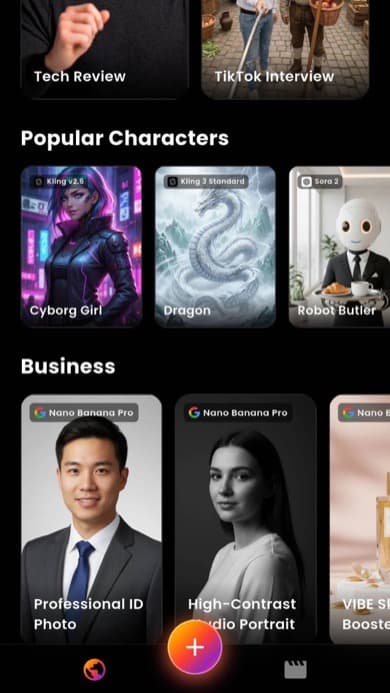
AI Video Generator App
Text to Video
VIBE is an AI video generator app that lets you create stunning videos from text prompts or images using the latest AI models like Kling, Sora, and Veo. Available free on iOS and Android.
- Text to video: describe any scene and generate a video
- Image to video: turn any photo into a moving clip
- Multiple AI models: Kling, Sora, Veo, Seedance, WAN, Hailuo
- Export for TikTok, YouTube, and Instagram




This video was generated with Grok Imagine Video inside the VIBE app
Best AI Video Models in One App
VIBE gives you access to the most powerful AI video generator models available. Choose from Kling, Veo, Sora, Seedance, Hailuo, and WAN to create the perfect video for any project.

Kling 3
The Kling AI video generator delivers ultra-realistic motion and physics simulation. Perfect for creating lifelike product demos, natural scenes, and professional AI video content.
Kling o3
Kling o3 handles complex prompts with precision control over every detail. Best for creators who need accurate scene composition and advanced AI video generation from detailed descriptions.

Veo 3.1 Fast
Google DeepMind Veo 3 produces cinematic quality AI video with stunning visual fidelity. Generate film-like footage, beautiful landscapes, and artistic scenes at high speed.
Sora 2
OpenAI Sora 2 video generator excels at creative storytelling and imaginative scenes. Turn wild ideas into visually stunning AI videos with smooth transitions and artistic style.

Seedance 2
Seedance 2 specializes in character animation and dance video generation. Create expressive human motion, choreographed sequences, and dynamic character-driven AI video clips.

WAN 2.6
WAN AI video generator is fast and versatile for quick content creation. Generate multiple video variations rapidly, ideal for social media creators who need high volume output.

Hailuo
Hailuo AI video generator creates smooth, expressive clips with natural flow. Great for social media content, transitions, and creating emotionally engaging AI video that connects with viewers.
Wan 2.1
Wan 2.1 delivers reliable AI video generation with consistent quality across different prompt styles. A solid all-around model for creators who want dependable text to video results every time.
Wan 2.2
Wan 2.2 builds on the original with improved visual clarity and better motion handling. Generate cleaner AI videos with more accurate colors, sharper details, and smoother camera movements.

LTX Video
LTX Video model creates high-quality AI video clips with strong visual coherence. A great choice for generating consistent scenes, product showcases, and polished content for marketing.
Luma Dream Machine
Luma Dream Machine generates dreamy, cinematic AI video with beautiful lighting effects. Ideal for creating atmospheric content, mood pieces, and visually rich clips for Instagram and TikTok.
PixVerse
PixVerse AI video generator offers creative stylized video generation with unique artistic filters. Transform your prompts into eye-catching animated clips with distinctive visual character and flair.
New AI models are added regularly. VIBE currently supports Kling AI, Veo 3.1 Fast, Sora 2, Seedance 2, WAN 2.6, Hailuo, and more. You always have access to the latest and most advanced AI video generator technology.
Kling vs Sora vs Veo: AI Video Model Comparison
Not sure which AI video generator model to use? Here is a side-by-side comparison of the top models available in VIBE. Each model has unique strengths depending on what kind of video you want to create.
| Model | Best For | Realism | Speed | Motion Quality | Style Range |
|---|---|---|---|---|---|
| Kling 3 | Realistic scenes, product videos, natural motion | Excellent | Medium | Excellent | Wide |
| Kling o3 | Complex prompts, detailed scenes, precision control | Excellent | Slower | Excellent | Wide |
| Veo 3.1 Fast | Cinematic quality, film-like footage, landscapes | Excellent | Fast | Very Good | Excellent |
| Sora 2 | Creative storytelling, artistic videos, imagination | Very Good | Medium | Very Good | Excellent |
| Seedance 2 | Character animation, dance videos, human motion | Good | Medium | Excellent | Moderate |
| WAN 2.6 | Quick drafts, versatile content, fast iteration | Good | Very Fast | Good | Wide |
| Hailuo | Expressive clips, smooth transitions, social content | Very Good | Medium | Very Good | Wide |
All models are available inside the VIBE app. You can switch between Kling AI, Veo 3, Sora 2, and others with a single tap. Try different models on the same prompt to see which one gives you the best result for your project.
AI Video Creator Features
Everything you need to create professional AI videos. From text to video, image to video, and beyond.
AI Video Generator From Text
Type a description and watch VIBE bring your vision to life. Our text to video AI creates cinematic 4K quality clips from simple text prompts. Describe a scene, set the mood, and let the AI do the rest. No filming, no editing, no experience needed.
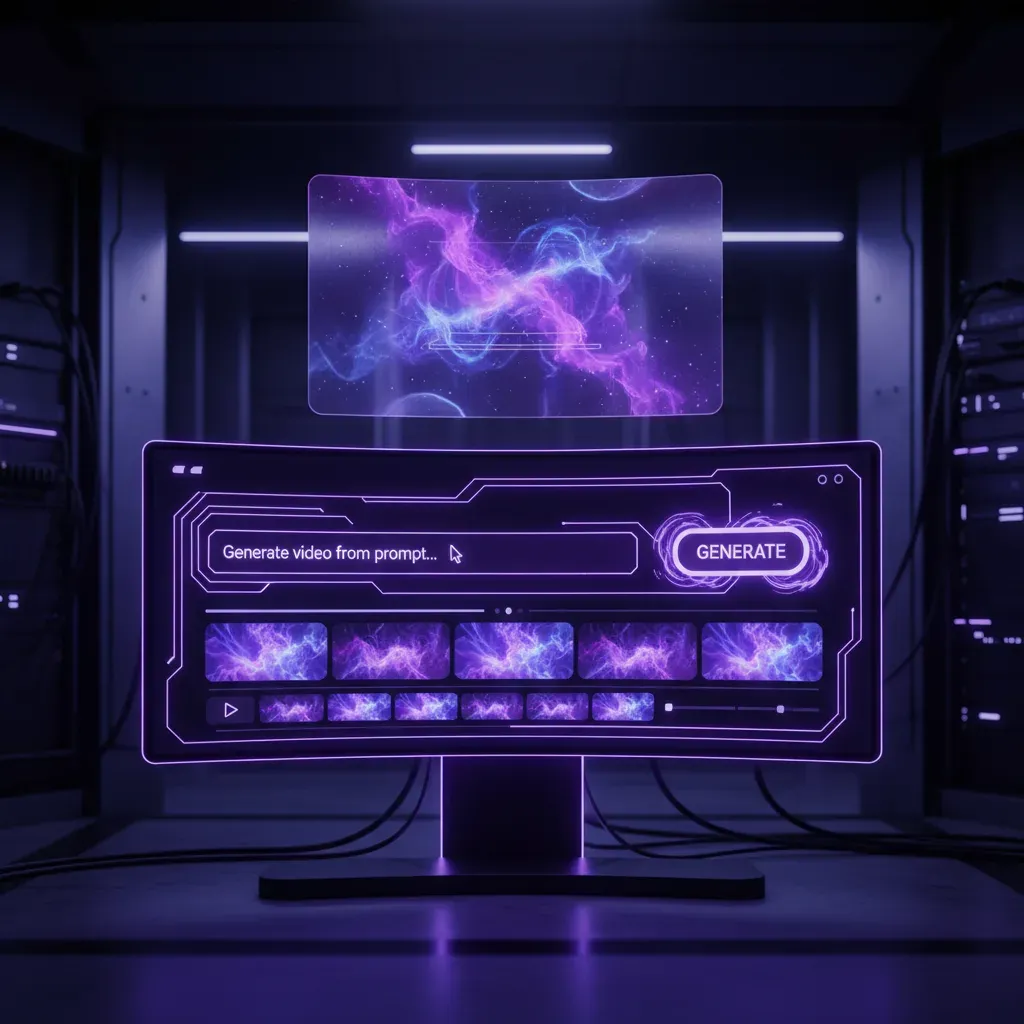
Fast AI Video Maker
Generate 5 to 10 second high-quality AI video clips in under a minute. VIBE uses optimized rendering so you spend less time waiting and more time creating.
Artistic Video Styles
Choose from Cyberpunk, Anime, Cinematic, 3D Render, Watercolor, and many more artistic styles to match your creative vision.
AI Video From Image
Upload any photo and turn it into a moving video with AI. VIBE's image to video feature animates portraits, landscapes, products, and artwork with smooth, natural motion. Perfect for bringing your photos to life on social media.
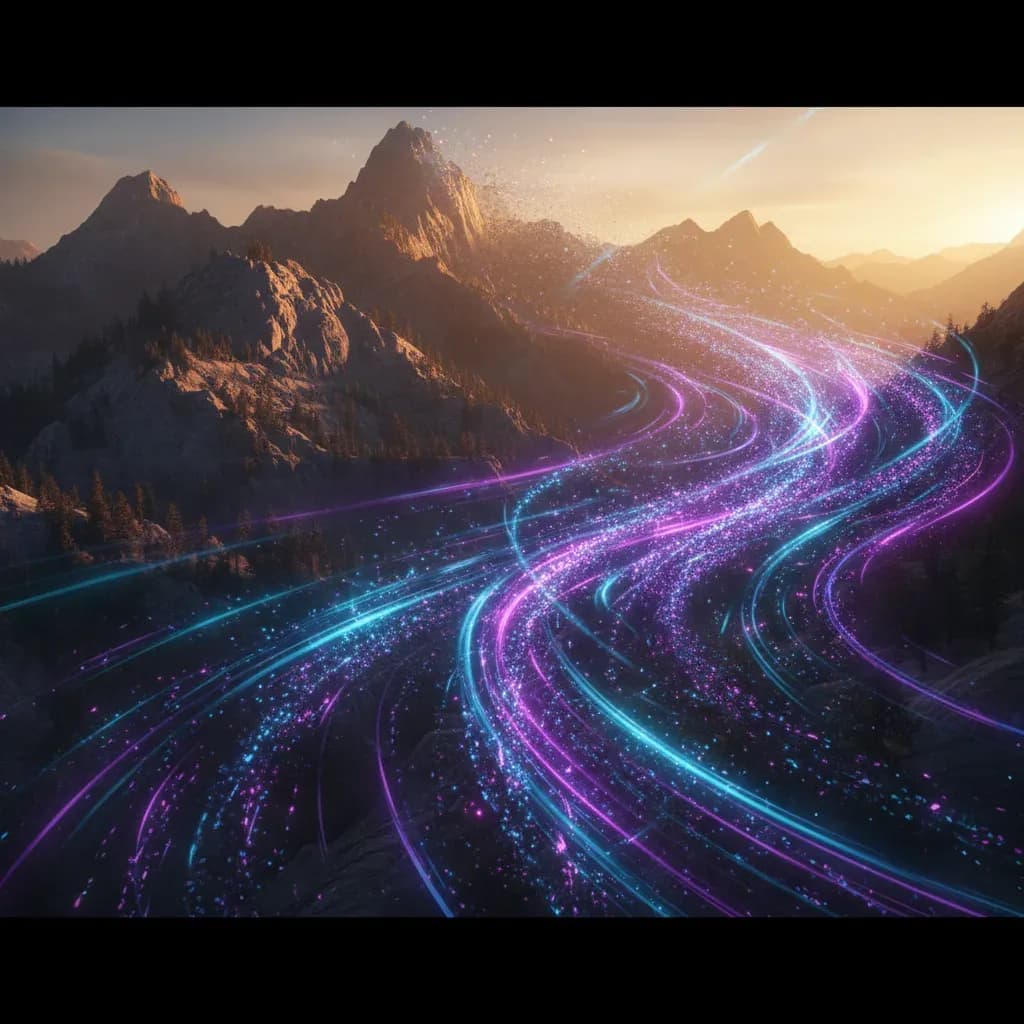
How the AI Video Generator Works
Creating AI videos with VIBE is simple. Three easy steps to go from idea to finished video. No technical skills needed.
Enter Your AI Video Prompt
Open the VIBE app and type what you want to see. Describe a scene like "a golden sunset over a calm ocean with gentle waves" or upload an image you want to animate. Our smart prompt enhancer helps you get better results automatically.
Select AI Model and Style
Pick from top AI models like Kling 3, Veo 3.1, Sora 2, or Seedance 2. Choose a visual style, camera angle, and motion intensity. Each model has unique strengths, so you can find the perfect match for your creative vision.
Generate and Export Your Video
Hit generate and VIBE creates your AI video in seconds. Preview it, make adjustments if needed, and export in high quality. Share directly to TikTok, Instagram, YouTube, or save to your device. It is that simple.
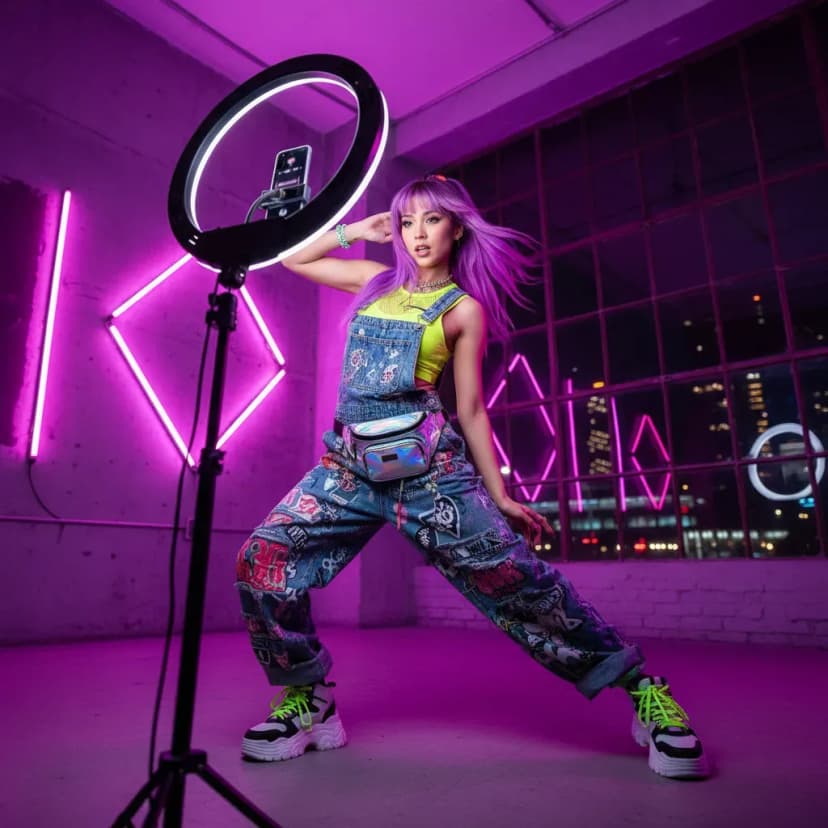
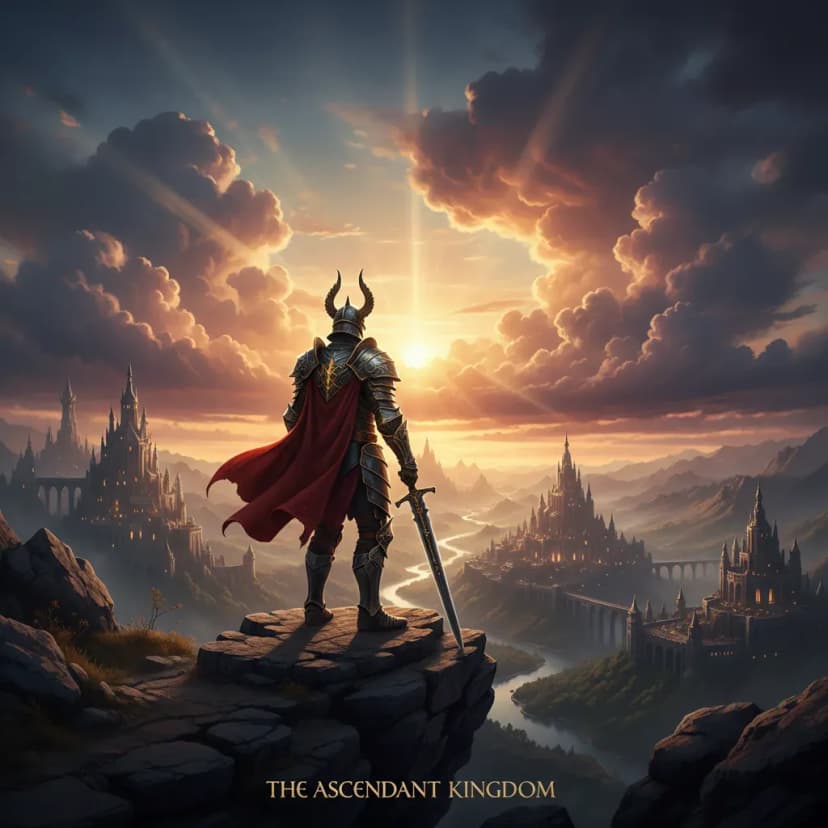
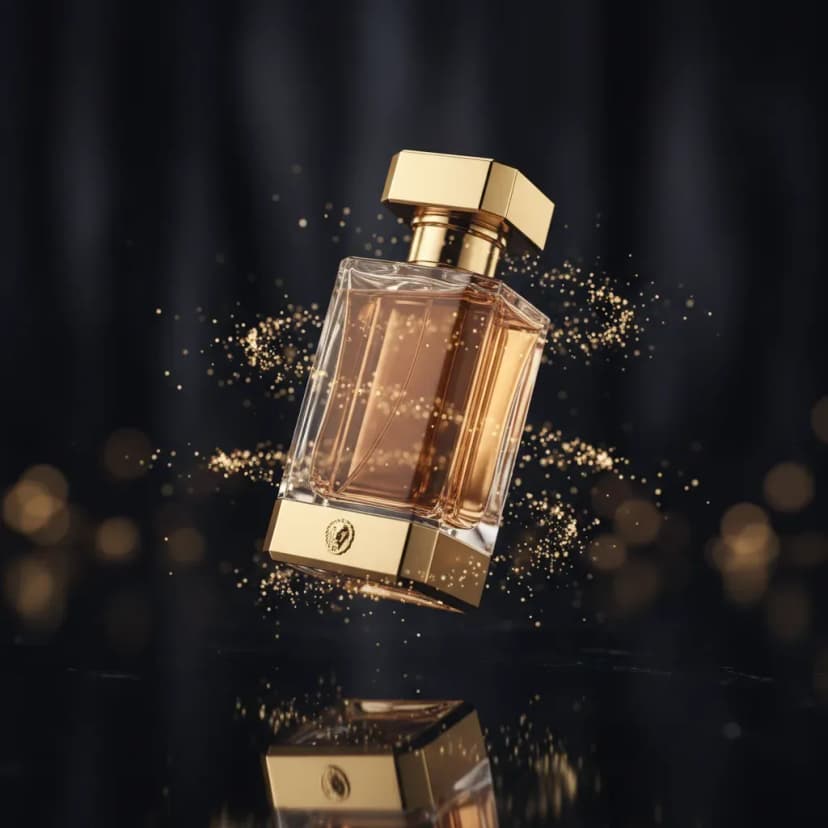

AI Video Maker for Every Creator
VIBE is designed for anyone who wants to create amazing videos without the complexity of traditional video editing. Whether you make content for social media, marketing, or personal projects, VIBE makes it fast and fun.
Create AI Videos for TikTok and Instagram
Make scroll-stopping TikTok videos and Instagram Reels with AI. Generate unique content that stands out and gets views. Export in the perfect format for each platform.
AI Video Generator for YouTube
Create cinematic B-roll, intros, and visual stories for your YouTube channel. Generate scenes that would normally need a full production crew, all from your phone.
AI Video Ad Generator for Business
Create product demos, marketing videos, and ad creatives without hiring a video team. Generate hyper-realistic product shots and promotional content in minutes.
Export AI Videos for TikTok, YouTube, Instagram
VIBE makes sharing easy. Export your AI generated videos in the right format for every social media platform with one tap.

TikTok
Export vertical 9:16 videos optimized for TikTok. Create viral AI content that gets millions of views.
YouTube
Export widescreen 16:9 videos perfect for YouTube. Create shorts, intros, B-roll, and full scenes.

Export AI videos for Reels, Stories, and feed posts. Square, vertical, or landscape formats ready to share.
Loved by 2M+ AI Video Creators

"The text to video feature in VIBE is way ahead of other AI video generator apps. The motion quality is actually good enough for my professional projects. I use it daily."

"I use the image to video feature for all my Instagram posts now. It turns my still photography into living art in seconds. Best AI video maker app I have ever used."

"The variety of AI models makes VIBE the best AI video generator on the market. Kling for realism, Sora for creativity, Veo for cinematic shots. It has everything in one app."
AI Video Generator vs Traditional Video Editing
AI video generation is replacing hours of manual editing. Here is how creating videos with AI compares to the traditional approach.
Traditional Video Editing
- Requires expensive cameras, lighting, and audio equipment to capture raw footage before editing can even begin
- Hours or days spent in editing software like Premiere Pro or Final Cut to produce a single polished video
- Steep learning curve that takes months to master, making professional video production inaccessible for most people
- Need a full production crew for complex scenes like aerial shots, special effects, or cinematic landscapes
- Limited by real-world constraints like weather, locations, actors, and budget for every new video concept
AI Video Generation with VIBE
- No equipment needed at all. Just your phone and the VIBE app. Type a prompt or upload an image and your video is ready
- Generate a finished video clip in under 60 seconds. Create 10 videos in the time it takes to edit one the old way
- Zero learning curve. If you can describe what you want to see, you can make a video. The AI handles all the technical work
- Create any scene imaginable. Drone shots, sci-fi worlds, underwater footage, cinematic landscapes, all from a text prompt
- No limits on creativity. Generate unlimited variations, test different styles, and iterate instantly without any extra cost per reshoot
Traditional video editing still has its place for long-form content and live-action projects. But for social media clips, ads, concept videos, and creative content, AI video generation is faster, cheaper, and often produces results that rival professional studios. The most effective creators combine both approaches: use AI to handle the heavy lifting and refine with traditional tools when needed. That is exactly what VIBE makes possible.
Why VIBE Is the Best AI Video Generator
Creating professional video content used to take hours of filming, expensive equipment, and advanced editing skills. AI video generation changes everything. Here is why millions of creators choose VIBE.
No Filming or Editing Required
Traditional video production requires cameras, lighting, locations, and hours in editing software. With VIBE, you skip all of that. Just type what you want to see or upload an image, and the AI creates a polished video for you. This means you can produce more content in less time, without any technical skills or expensive gear.
Access Multiple AI Video Models
Most AI video tools lock you into a single model. VIBE gives you access to all the top AI video generators in one place. Use Kling 3 for ultra-realistic motion, Veo 3.1 Fast for cinematic quality, Sora 2 for creative storytelling, Seedance 2 for character animation, or WAN 2.6 for fast versatile generation. Switch between models to find the perfect look for each project.
AI Video That Looks Real
The latest AI video models generate clips that look remarkably realistic. Natural lighting, smooth camera motion, realistic physics, and detailed textures make AI generated videos nearly indistinguishable from filmed footage. VIBE uses the most advanced versions of each model so your videos always look their best. The quality keeps getting better with every model update.
Create Content Faster Than Ever
Speed matters for content creators. A TikTok creator can produce 10 unique AI videos in the time it used to take to edit just one. A brand can test dozens of ad variations instantly. A YouTuber can create B-roll footage that would have required a production crew. VIBE generates high-quality clips in under a minute, so you can focus on creativity instead of waiting.
VIBE combines the power of text to video and image to video AI in a single, easy-to-use app. Whether you are creating content for TikTok, YouTube, Instagram, or any other platform, VIBE gives you the tools to produce stunning videos without any of the traditional hassle. Download the app today and see why over 2 million creators have already made the switch to AI video generation.
AI Video Generator FAQ
Is there an AI video generator app?
Yes. VIBE is an AI video generator app available on both iOS and Android. It lets you create stunning videos from text prompts or images using the latest AI models like Kling, Sora, and Veo. You can download it for free from the App Store or Google Play.
Can I create videos from text with AI?
Yes. VIBE's text to video feature lets you describe any scene in plain language, and the AI generates a high-quality video clip from your description. You can describe characters, environments, camera angles, and moods. The AI handles all the visual creation automatically.
What AI models does VIBE support?
VIBE supports multiple leading AI video models including Kling 3, Kling o3, Veo 3.1 Fast, Sora 2, Seedance 2, WAN 2.6, and Hailuo. Each model has different strengths. Kling excels at realistic motion, Veo produces cinematic quality, and Sora is great for creative storytelling. New models are added regularly.
Can I generate videos from images?
Yes. VIBE's image to video feature lets you upload any photo and turn it into a moving video. The AI analyzes your image and adds natural, fluid motion. This works with portraits, landscapes, product photos, artwork, and more. You can control the type and intensity of motion.
What is the best AI video generator for TikTok?
VIBE is one of the best AI video generators for TikTok. It exports in vertical 9:16 format, supports fast generation for quick content creation, and gives you access to multiple AI models for different styles. Many TikTok creators use VIBE to produce unique, eye-catching content that performs well on the platform.
Is there a free AI video maker?
VIBE is free to download on both iOS and Android. You can start creating AI videos right away with free credits. The app offers additional credits through subscription plans for creators who need higher volume generation.
How long are the AI generated videos?
AI generated videos in VIBE range from 5 to 10 seconds depending on the model and settings you choose. This is ideal for social media clips, TikTok videos, Instagram Reels, and video ads. You can generate multiple clips and combine them for longer content.
Can I use VIBE videos for commercial use?
Yes. Videos created with VIBE can be used for commercial purposes including marketing, advertising, social media content, and business presentations. Check the specific terms for each AI model within the app for detailed usage rights.
What is the difference between VIBE and other AI video apps?
VIBE stands out because it gives you access to multiple AI video models in one app. While most competitors only offer one model, VIBE lets you choose between Kling, Sora, Veo, Seedance, WAN, and Hailuo. This means you can pick the best model for each project. VIBE also supports both text to video and image to video generation, multiple artistic styles, and direct export for all major social media platforms.
Does VIBE require an account or login?
VIBE offers a simple sign-up process so you can save your generated videos and manage your credits. You can create an account quickly with your email, Google account, or Apple ID. The sign-up takes just a few seconds and gives you immediate access to all AI video generation features.
What devices and platforms does VIBE support?
VIBE is available as a mobile app on both iOS (iPhone and iPad) and Android devices. You can download it from the Apple App Store or Google Play Store. The app is optimized for mobile use, so you can create AI videos anytime, anywhere, right from your phone or tablet.
How do AI video prompts work?
An AI video prompt is a text description of the video you want to create. You write what you want to see, such as "a drone shot flying over a tropical beach at sunset with golden light reflecting on the water." The AI reads your prompt and generates a matching video clip. VIBE also includes a smart prompt enhancer that automatically improves your descriptions for better results. The more specific your prompt, the better the output will be.
From the Blog
Guides and comparisons on choosing and using AI video generator apps.
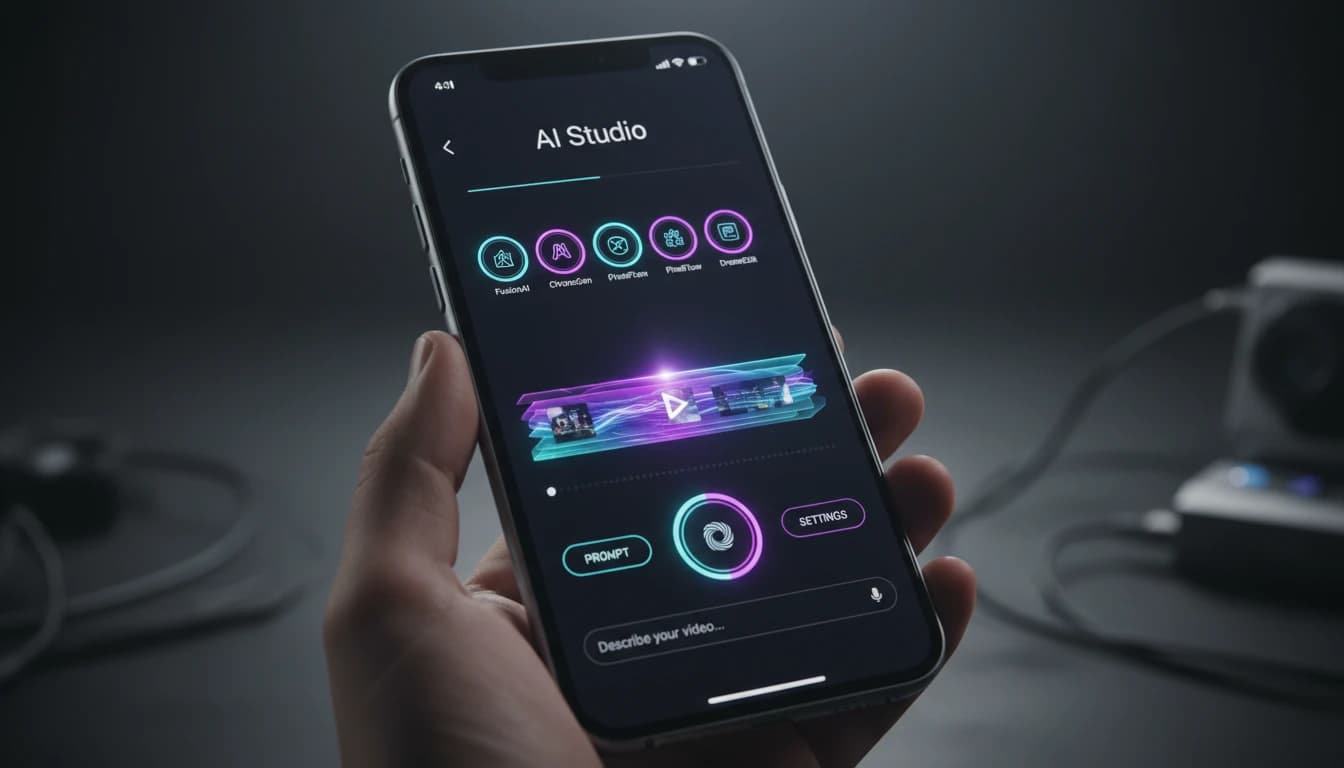
How to Choose the Best AI Video Generator App in 2026
The 6 things that actually separate a great AI video generator app from a mediocre one, and why VIBE checks every box.
VIBE vs Single-Model AI Video Apps: Which Should You Choose?
A side-by-side look at multi-model AI video apps vs apps locked to a single AI engine, and why the difference matters.
Download the Best
AI Video Generator App
Download VIBE today and start generating cinematic AI videos in seconds. Available free on iOS and Android.