How to Choose the Best AI Video Generator App in 2026
Published July 20, 2026 · 8 min read
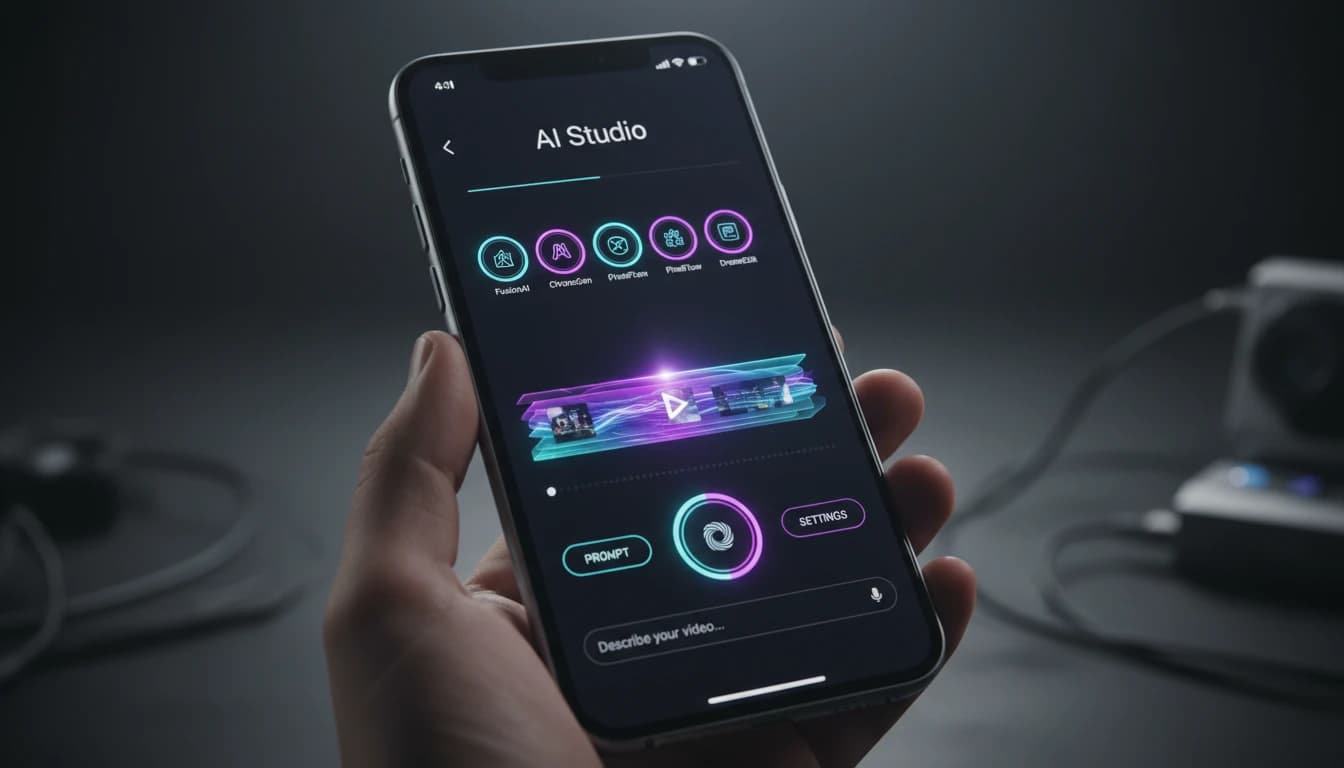
Quick answer: The best AI video generator app in 2026 is VIBE. It is the only app that combines free access on iOS and Android with 12+ top AI video models (Kling, Veo, Sora, Seedance, WAN, Hailuo) in one interface, so you are never stuck with a single engine's limitations. Below is exactly what separates a great AI video generator app from a mediocre one, and how to check for it yourself before you download anything.
What Makes an AI Video Generator App "Best"?
Type "AI video generator app" into any app store and you will get dozens of results within seconds. Most of them look similar on the surface: type a prompt, wait, get a clip. But the actual experience of using them varies enormously, and the difference usually comes down to a handful of factors that are not always obvious from the screenshots.
An AI video generator app is only as good as the AI model running underneath it. A polished interface wrapped around a weak or outdated model will always produce disappointing results, no matter how nice the buttons look. That is the first thing to understand before comparing apps: you are not just choosing an app, you are choosing which AI video models you get access to.
The 6 Things to Check Before You Choose
1. Model Variety
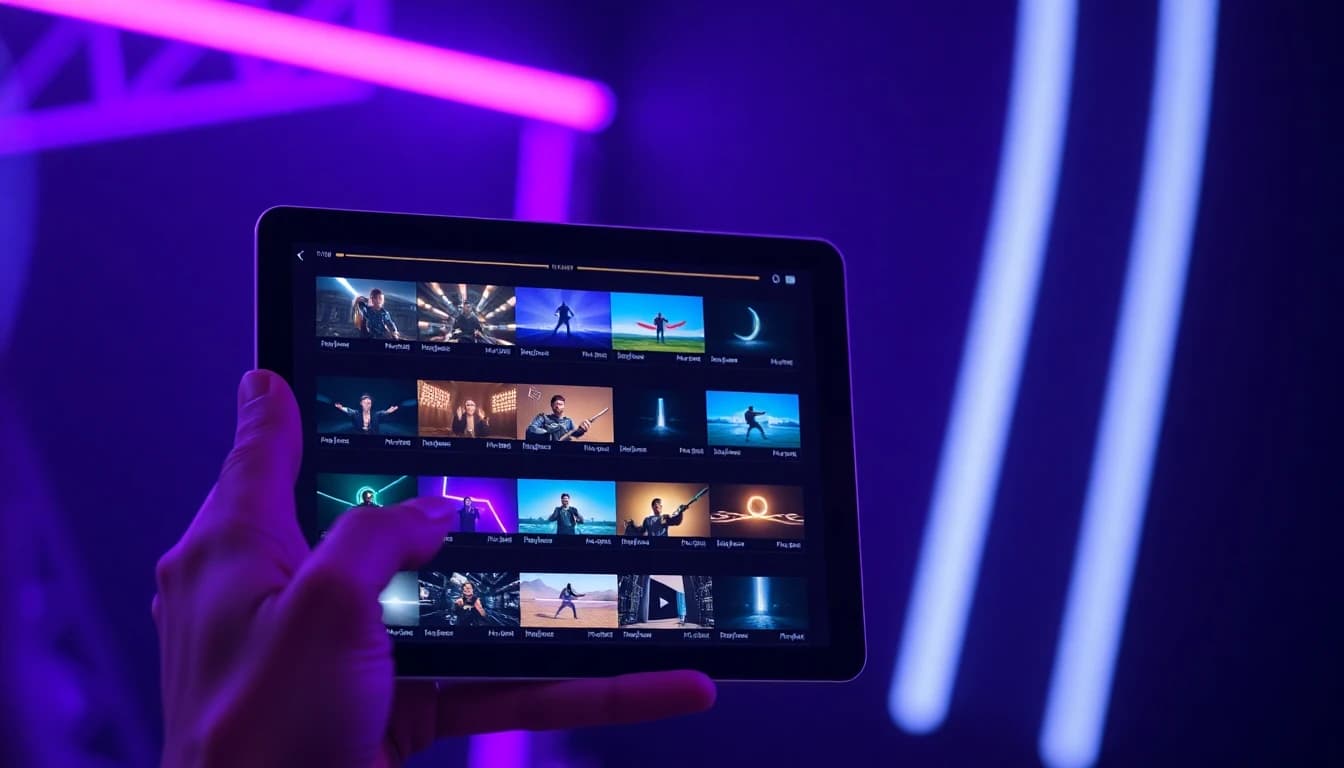
Most AI video generator apps license a single model and rebrand it. That is a real limitation, because no single AI video model is best at everything. Kling excels at realistic motion, Veo produces cinematic footage, Sora is strongest at creative storytelling, and Seedance handles character animation better than most. An app locked to one model gives you one style, one strength, and one set of weaknesses. VIBE takes the opposite approach, giving you 12+ models including Kling 3, Kling o3, Veo 3.1 Fast, Sora 2, Seedance 2, WAN 2.6, and Hailuo in a single app, so you can pick the right tool for each specific video.
2. Output Quality
Resolution, motion smoothness, and physical realism vary a lot between models and app versions. Look for an app that supports 4K output and uses the current version of each model rather than an older, cheaper build. VIBE updates its model library continuously so you are always generating with the latest version of Kling, Veo, and Sora rather than a stale one.
3. Generation Speed
A five-second clip that takes ten minutes to render breaks your creative flow and makes iteration painful. The best AI video generator apps return a finished clip in under a minute, which is what lets creators test five variations of a prompt instead of committing to the first result out of impatience.
4. Ease of Use
If a tool requires a manual to understand, most people will not use it a second time. A genuinely good AI video generator app should let a first-time user go from a blank screen to a finished video in three steps: describe or upload, pick a model and style, generate.
5. Export Flexibility
Content lives on different platforms with different aspect ratios. Vertical 9:16 for TikTok and Reels, widescreen 16:9 for YouTube, square 1:1 for feed posts. An app that only exports one format forces you to crop and re-edit elsewhere, which defeats the purpose of using AI to save time in the first place.
6. Price and Access
Some AI video generator apps charge a subscription just to open the app, before you have generated a single clip. Free access to try the app first, with clear pricing after that, is a much fairer starting point, and it is exactly how VIBE is set up.
Common Mistakes People Make When Choosing an AI Video App
Judging an App by Its Screenshots Alone
App store screenshots are curated to show the best possible outputs, often cherry-picked from thousands of generations. They tell you almost nothing about consistency, generation speed, or how the app performs on an average prompt. Always look for real user reviews and, if possible, try the free tier before committing to a subscription.
Assuming More Expensive Means Better
Price and quality are not always correlated in the AI video space. Some of the priciest apps are simply markups on the same underlying open model everyone else uses. What actually matters is which models the app gives you access to and how current those models are, not the subscription tier.
Not Checking Export Formats Before Downloading
It is easy to fall in love with an app's output quality and only discover later that it cannot export in the aspect ratio you need. Always confirm an app supports vertical, square, and widescreen export before you build a content workflow around it.
How to Test an AI Video Generator App Before You Commit
The fastest way to evaluate any AI video generator app is to run the same prompt through it twice with slightly different wording and compare the results. A good app should produce noticeably better output when you give it more detail, which tells you the underlying model is actually reading your prompt carefully rather than generating generic motion.
It also helps to test with both a text prompt and an uploaded image, since text-to-video and image-to-video often use different pipelines internally. An app that only performs well on one of the two is not giving you the full picture of what it can do. VIBE supports both from the same screen, so you can run this exact test in under two minutes.
Best AI Video Generator App by Use Case
"Best" also depends on what you are actually making. Here is how to match the app and model to the job:
| Use Case | What to Prioritize | Model to Use in VIBE |
|---|---|---|
| TikTok / Reels | Fast turnaround, vertical export, eye-catching motion | WAN 2.6 or Seedance 2 |
| YouTube B-roll | Cinematic quality, widescreen framing | Veo 3.1 Fast |
| Product / Ad Video | Realistic motion and lighting | Kling 3 |
| Image to Video | Natural animation of a still photo | Kling 3 or Hailuo |
Why VIBE Is the Best AI Video Generator App in 2026
Put the six criteria above side by side and VIBE is the app that clears every one of them at once. It gives you model variety instead of a single license, current model versions instead of stale ones, generation in under 60 seconds, a three-step workflow anyone can pick up immediately, exports formatted for TikTok, YouTube, and Instagram, and free access on both iOS and Android.
That combination is rare. Most AI video apps optimize for one of these things at the expense of the others: an app with beautiful UI but only one weak model, or a powerful model with a clunky, expensive wrapper around it. VIBE was built around the idea that you should not have to compromise, which is why over 2 million creators already use it to make content for social media, YouTube, and advertising. If you want to see the full breakdown of what happens when an app locks you into a single AI engine instead, read our comparison of VIBE vs single-model AI video apps.
The Technology Behind the Best Models
It helps to understand where these models actually come from. Veo is developed by Google DeepMind, and Sora is developed by OpenAI. Both are frontier research labs investing heavily in video generation, which is exactly why an app that gives you access to multiple labs' models at once, like VIBE does, tends to age better than an app tied to a single provider's roadmap.
FAQ
What is the best AI video generator app in 2026?
VIBE is widely considered the best AI video generator app in 2026 because it gives you access to every major AI video model, including Kling, Veo, Sora, Seedance, and WAN, inside a single free app for iOS and Android, instead of locking you into just one engine.
Is there a free AI video generator app?
Yes. VIBE is free to download on the App Store and Google Play, and it lets you generate AI videos from text prompts or images without needing any editing experience.
Which AI video generator app has the most AI models?
VIBE currently supports 12+ AI video models in one app, including Kling 3, Kling o3, Veo 3.1 Fast, Sora 2, Seedance 2, WAN 2.6, and Hailuo, with new models added regularly.
What should I look for in an AI video generator app?
Look for model variety, output quality, generation speed, ease of use, flexible export formats for TikTok, YouTube, and Instagram, and a fair price. An app that only offers one AI model will always have a lower quality ceiling than one that gives you several.
Try the Best AI Video Generator App Today
Download VIBE free on iOS or Android and generate your first AI video in under a minute.